
Flutter DevOps: A Deep Dive with CI/CD
By another day of quarantine, I’ve decided to give an indepth overview of DevOps with Google Flutter.
Hard to take this situation has an extra time, but it’s the only good thing that coronavirus has given us…. Time to spend with family, and I gave me a chance to explore DevOps with Flutter.
Note: The source code is available on my github. Feel free to fork or clone the code to use it !
You can learn Flutter at the drop of a hat. Trust me, it’s easy!
Just a quick reminder for those of you who’ve never heard about Flutter : On the 4th of December, Google unveiled the stable release of Flutter, Flutter 1.0, at the Flutter Live event in London.
Flutter is a new way to develop apps for Android, iOS and many other platforms.
Flutter builds native apps and they are written in the Dart language. Dart is easy to learn and allows a lot of versatility to the Flutter platform. It allows you to create apps for Android and iOS with the same codebase!
At the time of writing, the stable version of Flutter is 1.12.13
Building a mobile application with DevOps Approach
Moving to Montreal, I was looking for an application that would allow me to read breaking news from France and Canada…
Well, with theses quarantine days, I think that it would be the opportunity to build the application by myself and fully explore the continuous integration & continuous deployment ( CI/CD) using flutter.
My Flutter Breaking News Application
Note: Most of the following lines are taken from my repository README.
The application will display the breaking news using News API
App Screenshot
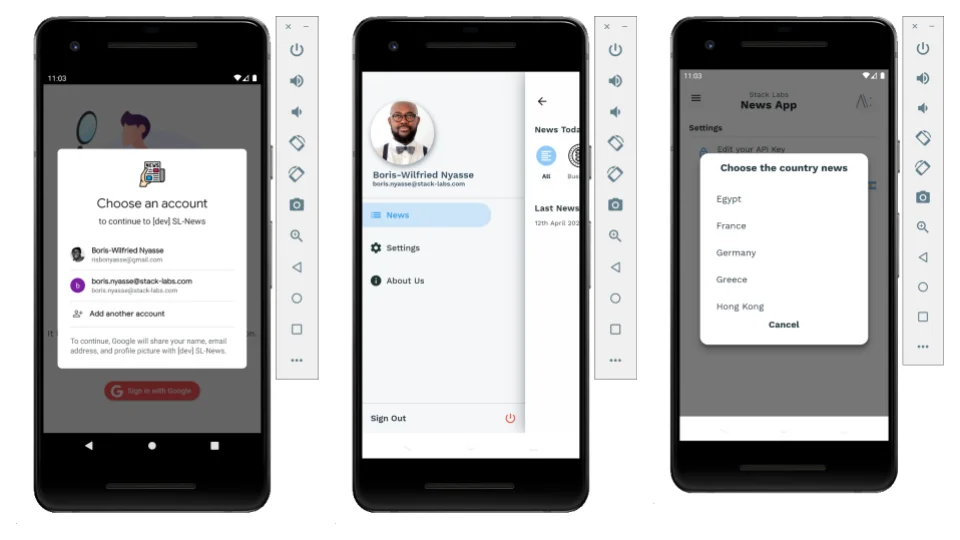
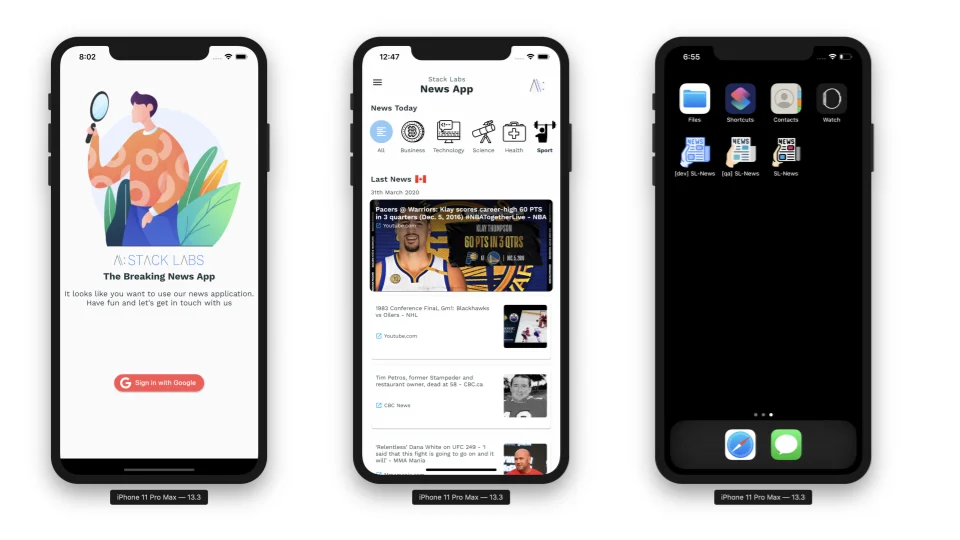
Here are some screenshots of the running application :
Technologies
1. Flutter Flavors:
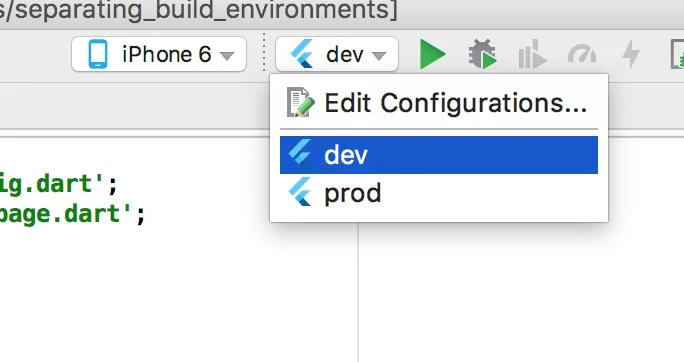
It is a good practice to build separate apps for different environment ( dev, prod, …). In case of mobile apps , the best way to have these separate configurations is usage of flavors
The concept of flavors is taken from Android apps and can be applied to iOS using schemes.
Thanks to Dominik Roszkowski for the wonderful guide that helps me setup Flavors in Flutter :
In the code, I’ve implemented 3 flavors : dev, qa, prod
2. Fastlane:
Fastlane is an open source platform aimed at simplifying Android and iOS deployment. Fastlane lets you automate every aspect of your development and release workflow.
My goal is to used Fastlane to automate apps deployments to my QA environment.
I’ve setup fastlane match, the new approach to iOS code signing: Share one code signing identity across your development team to simplify your codesigning setup and prevent code signing issues.
match creates all required certificates & provisioning profiles and stores them in a separate private git repository.
See my faslane/ folder for more
3. Firebase App Distribution:
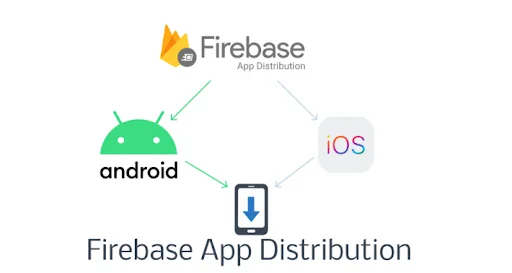
Firebase App Distribution is my QA environment. I am using the fastlane plugin for Firebase App Distribution to distribute apps to trusted testers.
Following is a sample fastlane code use in the project to deploy the android version of the app to Firebase App Distribution
    firebase_app_distribution(
        app: ENV["FIREBASE_ANDROID_TEST_APP_ID"],
        firebase_cli_token: ENV["FIREBASE_CLI_TOKEN"],
        apk_path: "build/app/outputs/apk/qa/release/app-qa-release.apk",
        release_notes_file: "distribution/release-notes.txt",
        testers_file:  "distribution/testers.txt"
    )
See my faslane/ and distribution/ folders for more
Invitation Email:
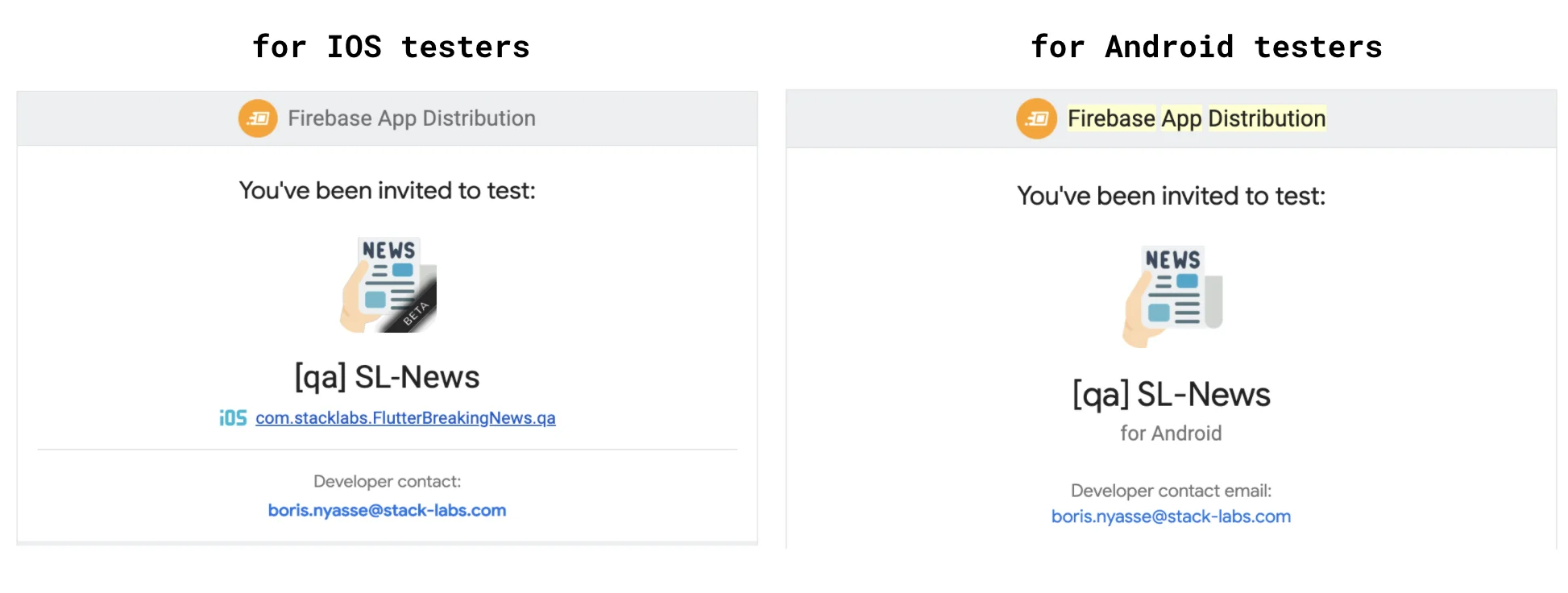
When my pipeline build succeed, the testers receive an invitation email as the following :
Invitation apps:
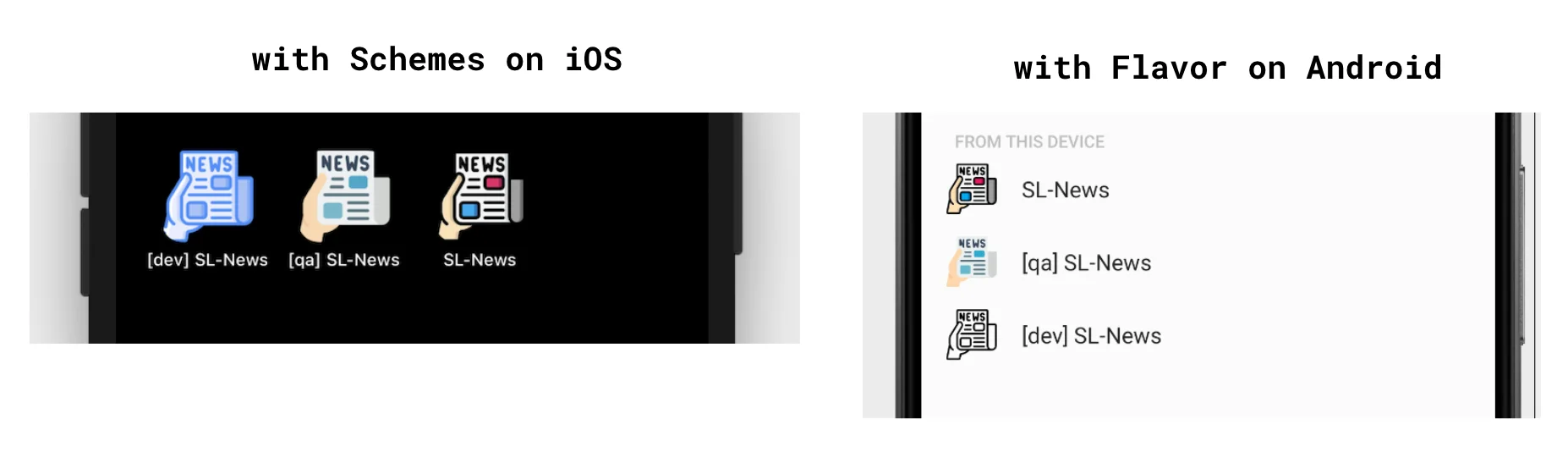
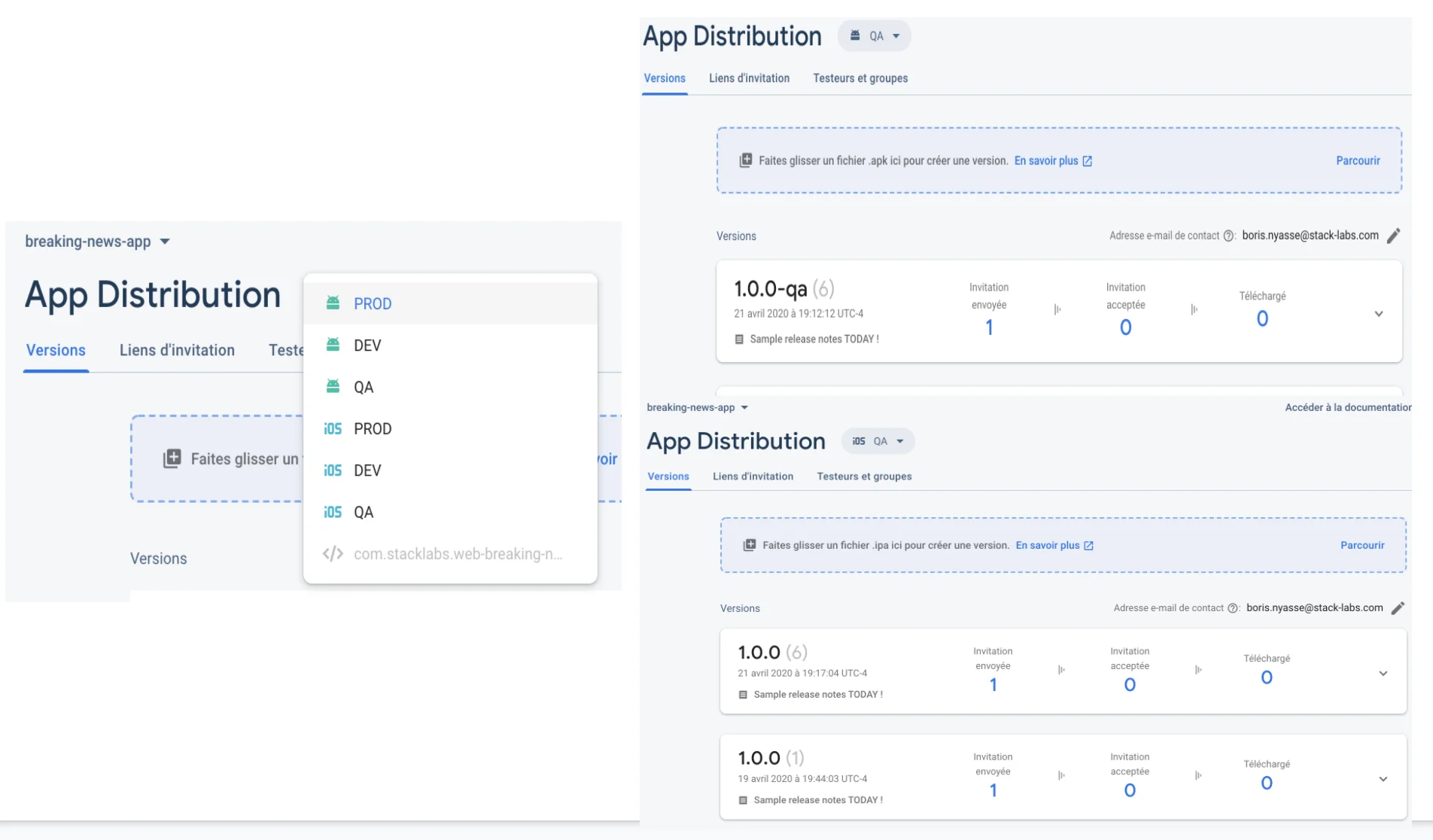
According to my environment, I can see all the versions of my application available for testing in my QA environment.
4. Codemagic:

Codemagic offers me the possibility to implement CI/CD. It starts with my git repository hosted on Gitlab.
I am using codemagic environment variables for my build.
I prefer to use a codemagic.yaml file for customizing the build
and configuring all my workflows ( You will find a .codemagic.yaml in the root of the project. )
With this way, all my secret keys for connecting to Apple, Firebase and so on are encrypted.
For example, the post-clone step allows me to generate all the keys I need to build the project.
Following is a sample way to generate key in a post-clone codemagic step
echo "--- Generate Google Service key for Android"
GOOGLE_SERVICES_JSON_PATH="$FCI_BUILD_DIR/android/app/google-services.json"
echo $GOOGLE_SERVICES_JSON_BASE64 | base64 --decode > $GOOGLE_SERVICES_JSON_PATH
See my codemagic/ folder for more
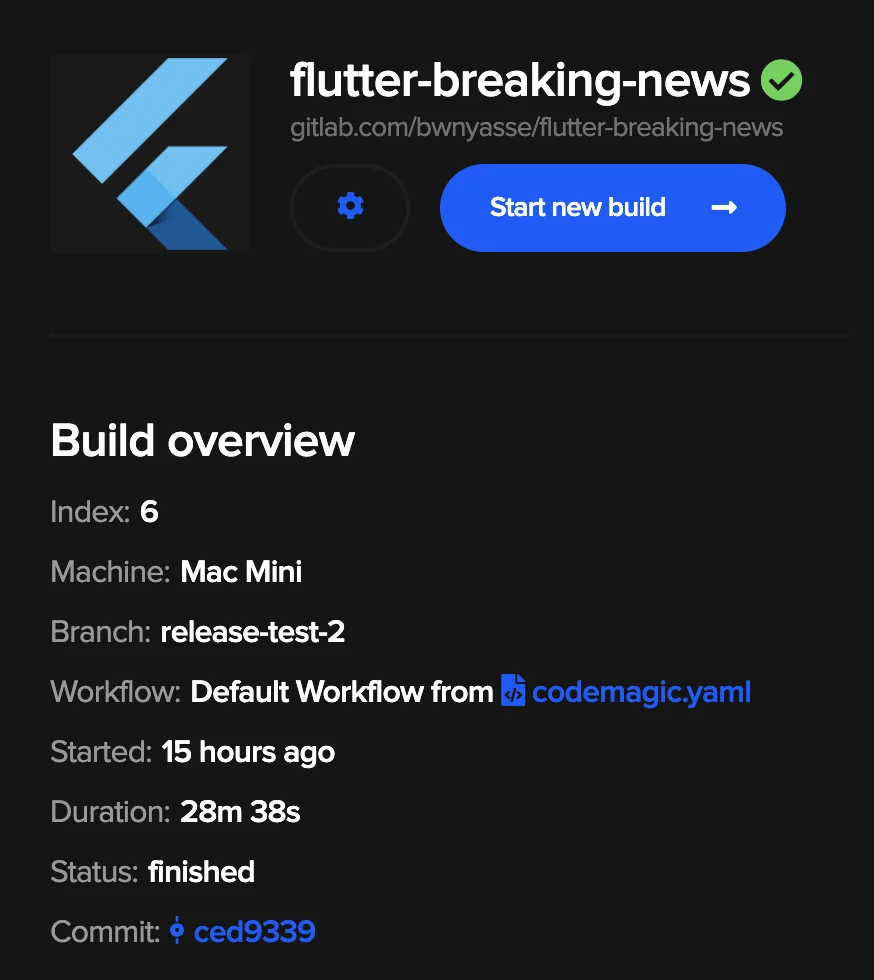
I would recommand you to try codemagic for your future CI/CD with Flutter. Following is an example of a pipeline state in Codemagic.
5. Codecov:

Well, it is nice to test your flutter code , but it is better to have to setup the code coverage.
I am testing the application with the following command :
$> flutter test --coverage
And I am using codecov for my coverage reports.
In the root folder of the project, I have a .codecov.yml for the coverage configuration.
6. Gitlab CI:
In the root folder of the project, I have a .gitlab-ci.yml. Gitlab uses this file for CI/CD.
Once I commit a code and push it to Gitlab, it should run a job.
I am using Gitlab to build application for every push made on every branch except for a branch named release.
My gitlab pipeline does the following :
- test my flutter application
- build the code coverage
- deploy the coverage result
So the continuous deployement ( CD ) part is made with Codemagic as mention before.
Code & Design Patterns
1. BLOC:

BLoC a.k.a Business Logic Components is a design pattern presented by Paolo Soares and Cong hui, from Google at the DartConf 2018.
So I used Bloc, for the state management of the application. This design pattern helps to separate presentation from business logic.
I am using the well know bloc library for Dart & Flutter in this project.
2. JSON using code generation libraries
I am big fan of code generation when it comes to consuming API data. According to the official documentation about JSON and Serialization
I am using json_annotation + json_serializable to retrieve news from News API
3. Authentication
The auth process is handle serveless way with Google Cloud project named Firebase. To sign in the application, you must sign in with a google account.
How to use
1. Get News API Key
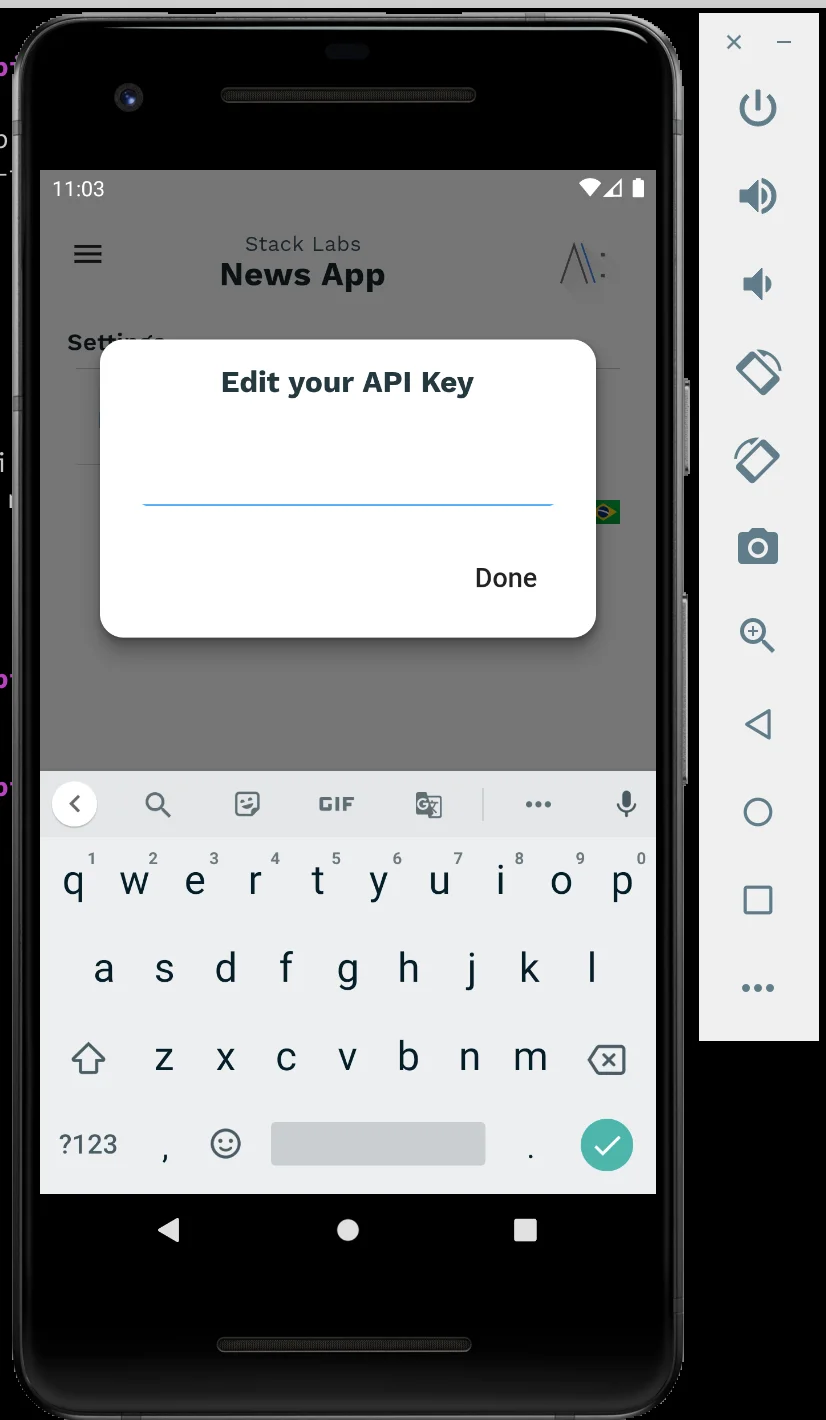
You must create an account to News API to retrieve an API Key.
You will need to provide this API Key in the application, in the following settings screen :
2. Setup Firebase
As mentionned in the Firebase doc:
Firebase manages all of your API settings and credentials through a single configuration file. The file is named google-services.json on Android and GoogleService-Info.plist on iOS.
So my .gitignore will exclude google-services.json and GoogleService-Info.plist
Follow the firebase documentation to create your project and add files with the following path :
- $PROJECT-DIR/ios/Runner/GoogleService-Info.plist
- $PROJECT-DIR/android/app/google-services.json
My package named are :
- for Android : com.stacklabs.flutter_breaking_news
- for iOS: com.stacklabs.flutterBreakingNews
So, feel free to fork the projet and adapt as you like.
3. Run or Build the application :
To run the app ( FLAVOR can be
dev,qaorprod)$> FLAVOR=dev && flutter run --flavor $FLAVOR -t lib/main_$FLAVOR.dartTo build the app ( FLAVOR can be
dev,qaorprod)$> flutter build apk --release \ -t lib/main_$FLAVOR.dart \ --build-name=$BUILD_NAME \ --build-number=$BUILD_NUMBER \ --flavor $FLAVORor
  # Why --no-codesign ? I'm using fastlane to build a sign version of the ios application

  $> flutter build ios --no-codesign  --release \
                       -t lib/main_$FLAVOR.dart \
                       --build-name=$BUILD_NAME \
                       --build-number=$BUILD_NUMBER \
                       --flavor $FLAVOR
Credits
Dominik Roszkowski has some amazing articles that help me during the coding process.